Why Clients Ghost Feedback Tools (And What To Do About It)

When clients stop using feedback tools, it’s not because they don’t care - it’s because those tools often create unnecessary friction. Here’s what usually goes wrong:

  • Logins are a hassle: Requiring accounts and passwords frustrates clients and slows them down.
  • Interfaces are confusing: Overloaded dashboards and technical jargon can overwhelm non-technical users.
  • Workflows are unclear: If leaving feedback feels complicated or scattered, clients disengage.

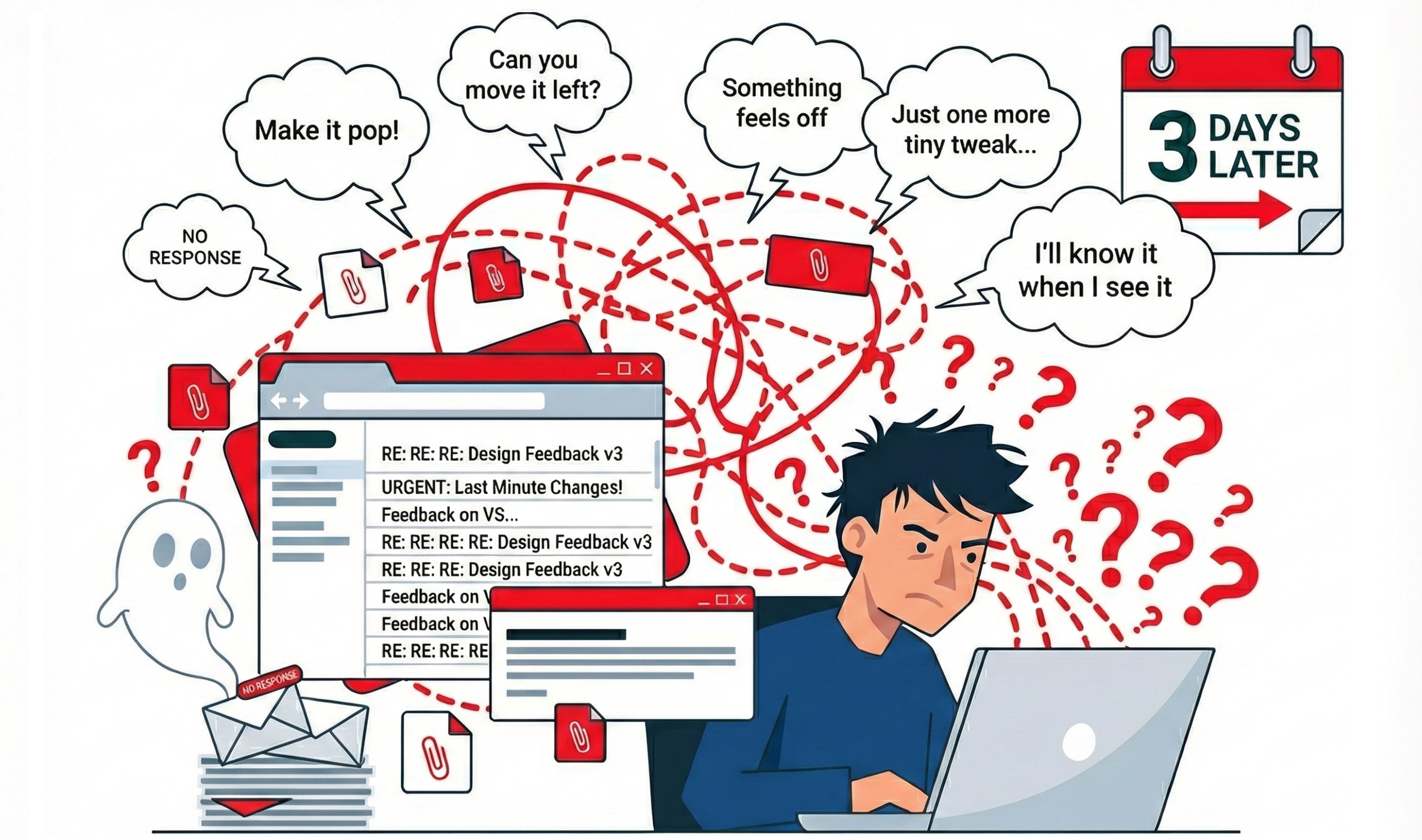
The result? Missed deadlines, scattered feedback, and stalled projects. The solution is simple: make feedback tools easier for clients to use. This means removing logins, simplifying interfaces, and centralizing feedback in one place. Tools like BoastImage address these issues by offering click-to-comment features, public links, and streamlined workflows, helping clients stay engaged and projects move forward.

How I handle client feedback without losing my mind

Why Clients Avoid Feedback Tools

It's not hard to understand why clients sometimes vanish when it comes to using feedback tools. The reasons often lie in the tools themselves. To tackle client disengagement, it's important to identify and address the specific hurdles that make these tools frustrating or inaccessible. Let’s break down the main issues.

Login Requirements Create Frustration

Requiring clients to log in can be a major sticking point. Think about it - asking someone to create yet another account, come up with a password, and verify their email adds extra steps that many just don’t have the time or patience for. Leadership coach Todd Zaki Warfel sums it up well:

"Client – they're more of an occasional traveler. They don't know the system; they don't know the ins and outs. They're less likely to share your language. I mean, you're probably speaking design. They speak business and outcomes and results."

The process can get even messier. Email verification links might land in spam folders or get delayed. Worse yet, tools like Outlook may click on these links to scan for malware, making them unusable before the client even gets to them. Cross-device issues can also cause problems - for example, a client requests a link on their laptop but tries to open it on their phone, only to find it doesn’t work.

Here’s the impact in numbers: switching to passwordless authentication can boost sign-up completion rates by 40% to 60%, cut login issues in half, and save around $70 per password reset in productivity and support costs. Reducing login friction isn’t just a nice-to-have; it’s critical for keeping clients engaged.

Overcomplicated Interfaces Overwhelm Clients

Feedback tools often come with dashboards and features that can overwhelm non-technical users. When clients feel confused or out of their depth, they’re more likely to abandon the tool altogether. Morgane Peng, Design Director at Societe Generale, highlights this disconnect:

"The first [frustration] is, 'Can you make it pretty?'; 'Can you do the 'UX' (whatever it is)?'; and, 'Can you add this wow effect?'... what we really want to hear is... 'Can you make it usable?'"

When tools are too complex, clients often revert to sending feedback through Slack, email, or even text messages, leading to scattered communication. Even though 47% of users may rate a feedback tool as easy to use, nearly half still report difficulties. Simplifying these interfaces isn’t just about aesthetics - it’s about making the tools approachable and functional for everyone.

Confusing Workflows Turn Clients Away

If clients can’t quickly figure out how to leave a comment or navigate the tool, they’ll likely give up and switch to email. Hidden features, unclear instructions, or poorly timed feedback requests all contribute to this confusion. As Walter Hannemann, Product Manager at Dualog, points out:

"The less effort required from the user, the more likely it is that they will provide feedback."

Timing is another critical factor. If you interrupt clients with feedback requests before they fully understand what’s being asked, response rates can drop significantly. On top of that, unclear workflows often result in feedback being scattered across multiple platforms, making it tough to track which comments apply to which version of a project. Streamlining workflows and providing clear instructions are essential steps to reduce confusion and keep clients engaged.

How to Reduce Client Ghosting

Impact of Passwordless Authentication on Client Engagement and Cost Savings

Impact of Passwordless Authentication on Client Engagement and Cost Savings

Making it easy for clients to provide feedback can go a long way in preventing ghosting. By removing obstacles and simplifying the process, you can create a smoother, more collaborative experience. Here’s how to tackle some common barriers.

Remove Logins with Click-to-Comment Access

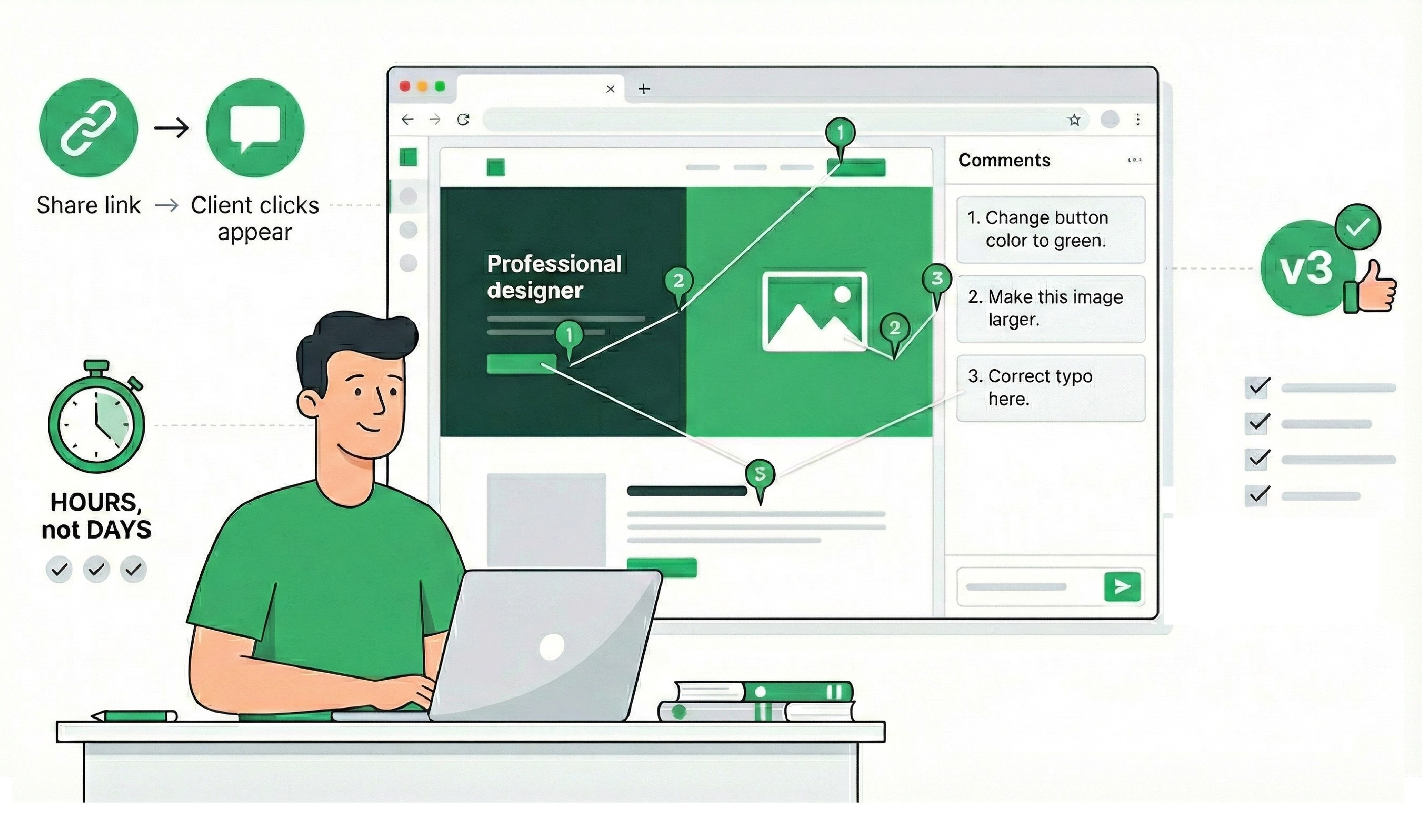
Nobody likes juggling passwords, and requiring clients to log in can stop feedback in its tracks. Instead, offer a public link that lets clients comment instantly - no login needed. Bryan Reynolds of Baytech Consulting puts it perfectly: "Magic links replace problematic password recovery processes, reframing a failure state as the standard, successful path".

This approach doesn’t just make things easier for clients - it also saves your team time and money. Passwordless authentication can boost sign-up completion rates by 40–60% and cut login issues by about 50%. Plus, organizations that ditch password resets can reduce annual helpdesk costs by 30%, saving roughly $70 per reset in lost productivity and support time. For clients who aren’t tech-savvy, a simple link eliminates the hassle of managing yet another password, so they can focus on giving you the feedback you need.

Simplify Interfaces for Client-First Design

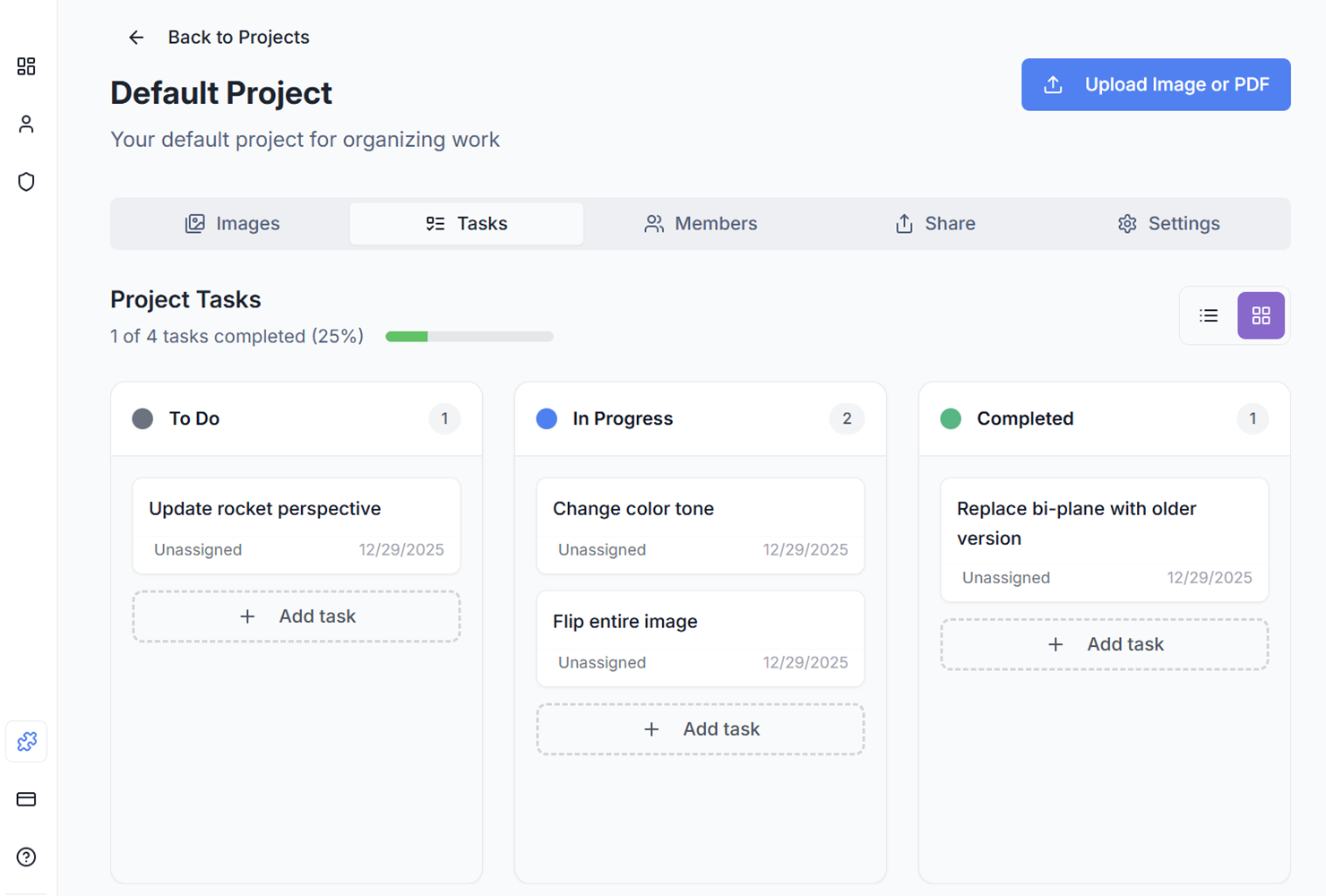
A cluttered interface can overwhelm clients and push them toward disengagement. Keep things simple by removing unnecessary features like Kanban boards, task lists, or version histories from the client-facing side. Instead, let clients click directly on a design element to leave comments. By hiding the backend complexity, you make it easier for clients to provide clear and actionable feedback without distractions. This focused approach keeps them engaged and less likely to resort to scattered emails or messages.

Simplifying the interface is just one piece of the puzzle. Clear workflows are equally important for keeping clients involved. Public sharing links do more than eliminate the need for logins - they centralize all feedback in one place. Instead of hunting through email threads, Slack messages, or texts, clients and teams can view and respond in a single, organized location. This prevents "feedback scatter", where comments get lost across various platforms.

To set the tone from the start, include the feedback link in your initial project contract and provide a quick visual guide on how to use it. When everyone knows where to go and how to give feedback, it reduces confusion and helps clients stick to the process rather than disappearing or reverting to old habits.

BoastImage: A Client-First Feedback Solution

BoastImage

BoastImage tackles the common challenges in client feedback by offering a solution that prioritizes simplicity and ease of use for clients. Gone are the days of complicated dashboards and mandatory account creation. Instead, the platform focuses on creating a seamless experience for clients while keeping advanced tools available for teams behind the scenes.

Key Features of BoastImage

BoastImage eliminates the hassle of logins. With just a public link, clients can dive straight into providing feedback - no passwords, no accounts, no lengthy onboarding. Merrin Hughes, CEO of Parakeeto, sums it up perfectly:

"A tool that requires a steep learning curve is friction - it will deter clients from providing feedback".

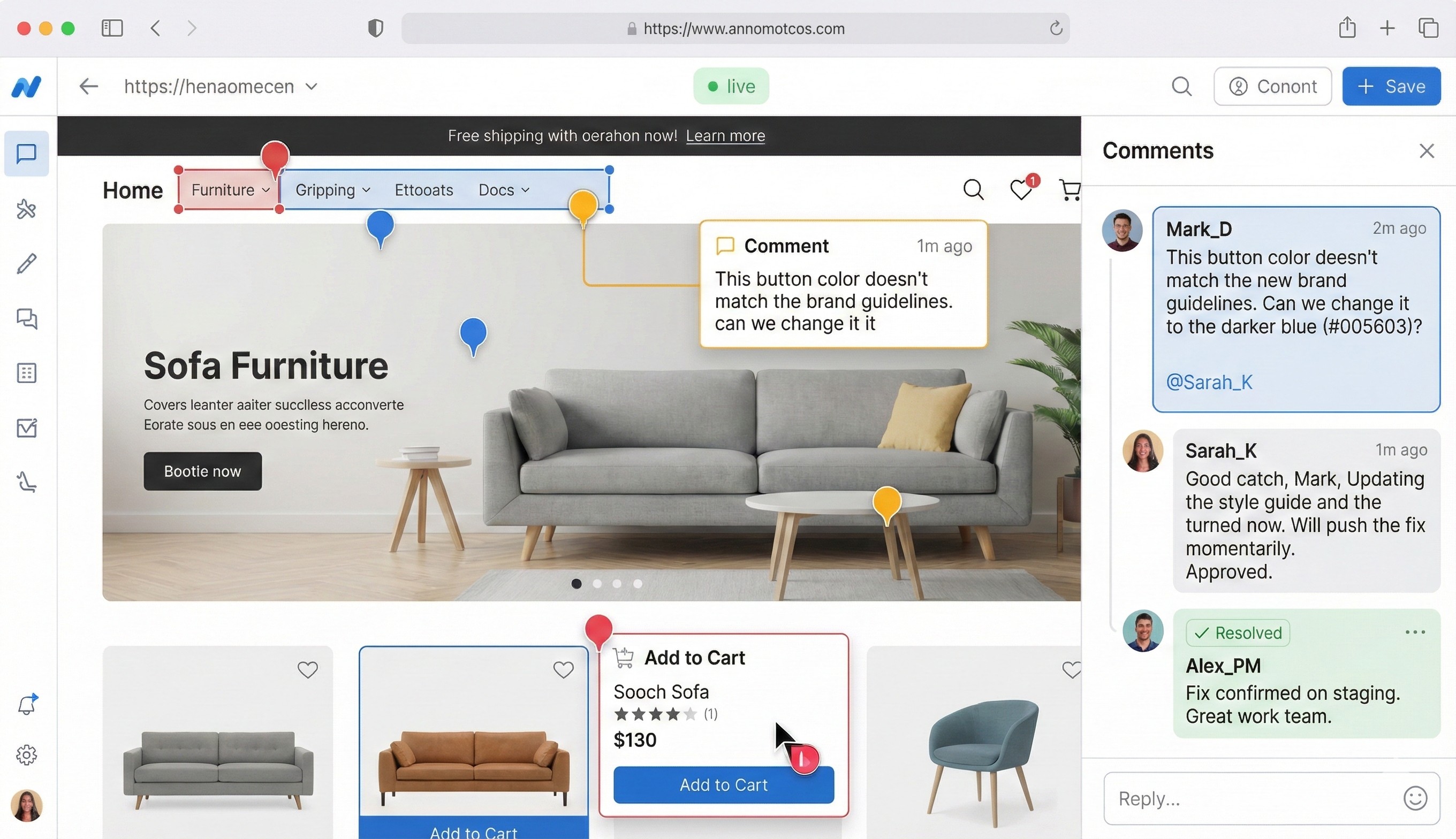
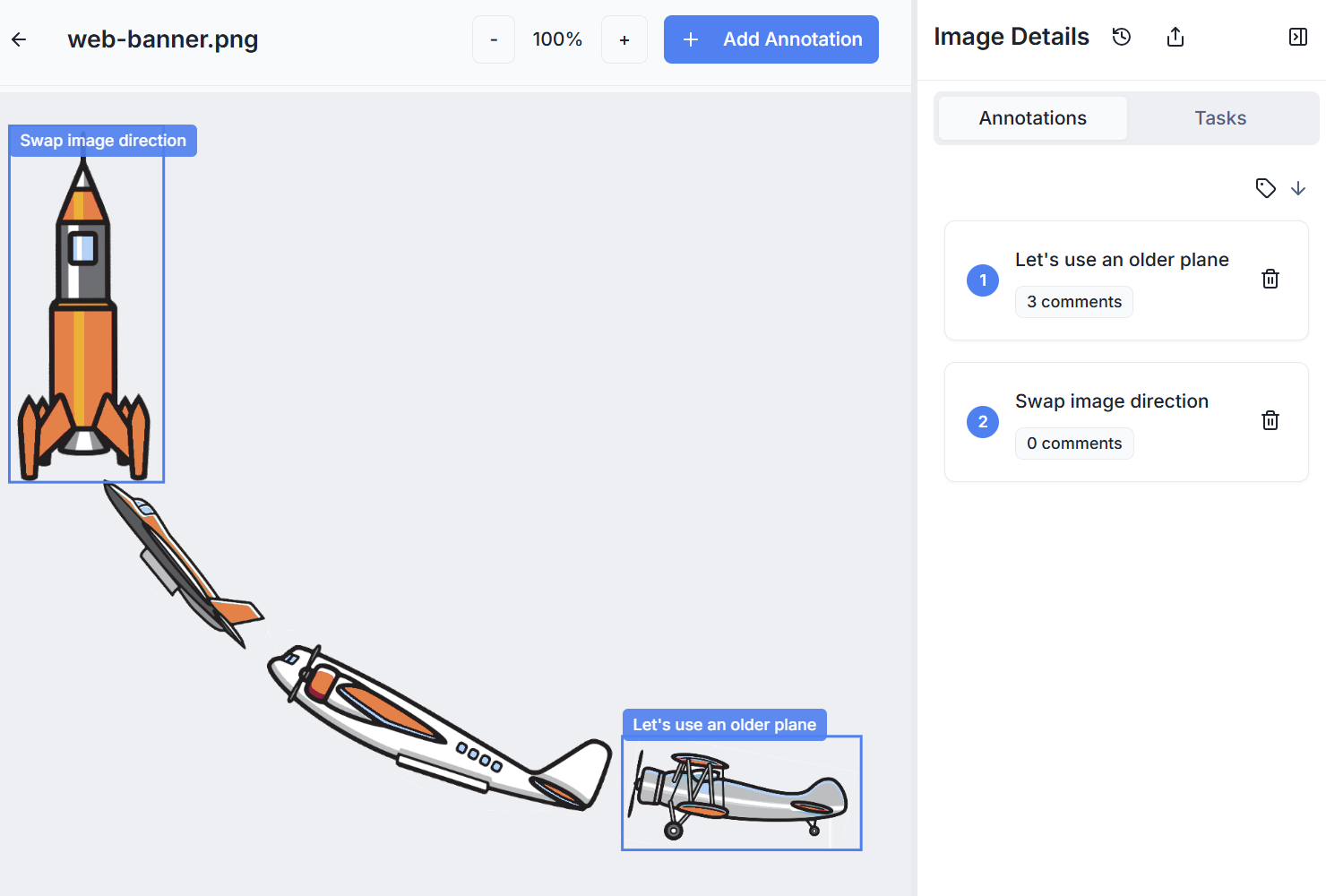
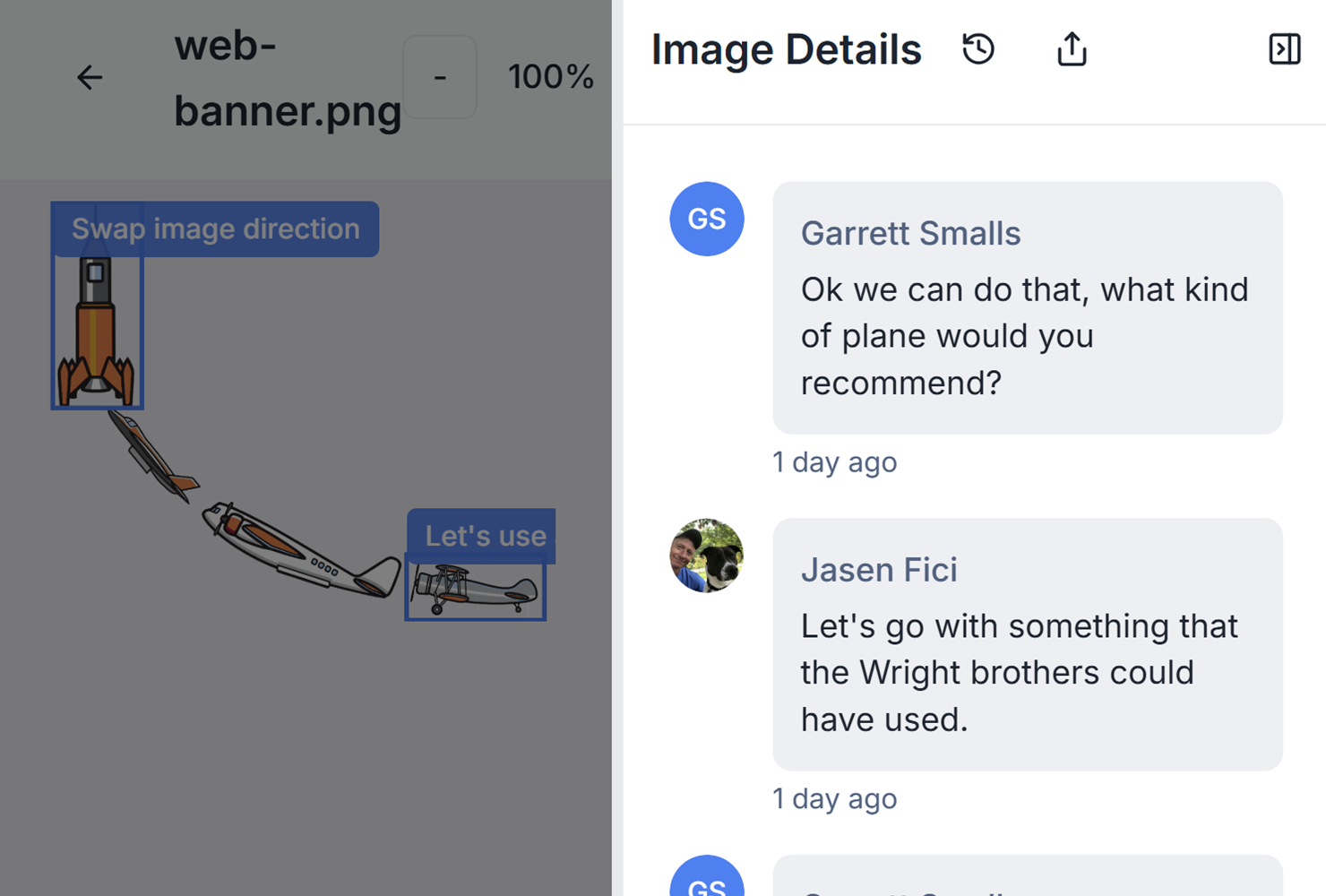
The platform's click-to-comment feature allows clients to pinpoint specific design elements and leave immediate, actionable feedback.

To keep everything organized, threaded comments ensure conversations remain contextual, avoiding the chaos of scattered feedback across emails, Slack, or text messages. Plus, BoastImage supports multiple formats, including images, PDFs, and live web pages, so clients can review everything in one place.

All these tools are supported by flexible pricing plans designed to simplify the feedback process for teams of any size.

Pricing Plans and Options

BoastImage's pricing is built to adapt to your needs, starting with a freemium model that lets you test the platform risk-free. Here’s a breakdown:

  • Free plan ($0): Includes 1 active project, 5 items, and 3 external collaborators - ideal for small-scale trials.
  • Solo plan ($9.95/month): Offers up to 5 projects, unlimited items, and 10 external collaborators, along with advanced features like version control and Kanban views.
  • Team plan ($19.95/user/month): Designed for agencies, this plan provides unlimited projects, unlimited collaborators, and project-level permissions.
  • Business plan ($39.95/user/month): Perfect for larger organizations, this tier includes unlimited storage, full white-label branding, audit logs, and a dedicated success manager.

One standout feature across all paid plans is the ability to invite unlimited external collaborators. This means you can bring in as many clients as needed without worrying about additional costs or seat restrictions.

Conclusion: Building Better Client Collaboration

When clients go silent, it’s not about their personality - it’s about friction. Tools that require logins, overwhelm with cluttered dashboards, or scatter conversations across emails and chats create roadblocks. These hurdles make ignoring the process the easiest path for clients. The solution? Remove these barriers instead of pushing harder for engagement.

The focus should be on tools that simplify the client experience without adding unnecessary complexity. Take BoastImage as an example: it’s designed to make collaboration seamless. Clients can leave feedback with a simple click - no logins required. Visual annotations make communication clear, avoiding the confusion of vague descriptions. And by centralizing feedback, it prevents the chaos of scattered messages. Meanwhile, teams benefit from features like version control, Kanban boards, and unlimited external collaborators - all without burdening clients with the technical details. It’s a win-win for everyone involved.

FAQs

How can I make feedback tools easier and more engaging for clients?

To make feedback tools easier to use, focus on reducing hurdles and keeping the process simple. Keep your requests brief and ask for feedback at the right moment - like immediately after a relevant task or just before the client exits. Limit surveys to one or two key questions, as shorter surveys are far more likely to be completed. Use straightforward, conversational wording for buttons and instructions so clients know exactly what to do and feel confident about participating.

Remove obstacles like mandatory logins, and design a smooth, intuitive experience. A no-signup, single-click process encourages participation, while a clean and familiar layout - featuring elements like star ratings or checkboxes - works well across both desktop and mobile devices. Take a moment to explain in plain language why their feedback is important, making it feel like a meaningful contribution rather than a chore.

Be mindful of your client’s time by timing prompts carefully and offering the option to “skip” or come back later. When feedback requests are simple, well-timed, and easy to complete, clients are more likely to engage, transforming what could have been a hassle into a quick and cooperative interaction.

What are the advantages of using passwordless authentication in feedback tools?

Passwordless authentication streamlines the login process by completely removing the need for traditional passwords, which are often a hassle for users. Instead, clients can log in using methods like magic links, biometric prompts, or device-based passkeys. These options not only make accessing feedback forms quicker but also eliminate common frustrations like forgotten passwords. As a result, clients are more likely to complete forms, and support teams spend less time resolving password recovery issues.

Beyond convenience, passwordless authentication significantly boosts security. By eliminating risks tied to stolen or reused passwords, methods like biometric passkeys and FIDO2/WebAuthn make phishing and brute-force attacks much harder to pull off. This safeguards both the client’s data and the feedback platform itself. The combined advantages - better usability, stronger security, and smoother feedback collection - translate into higher response rates and faster feedback cycles.

How does a simpler interface boost client engagement with feedback tools?

A straightforward interface makes it easier for clients to engage with feedback tools, cutting down on the frustration that often leads to them ignoring or abandoning the process. When forms are visually simple, easy to navigate, and quick to complete, clients can share their thoughts without it becoming a hassle. This naturally encourages more people to respond.

Eliminating obstacles like complex logins or cluttered layouts shows clients that their time matters. A clean, user-friendly design sends a clear message: their feedback is valued. This not only boosts participation but also motivates clients to provide thoughtful, meaningful input.

Ready to Get Client Feedback Without Friction?

See how BoastImage makes feedback effortless for clients: Explore Our Client-First Approach

Related Blog Posts