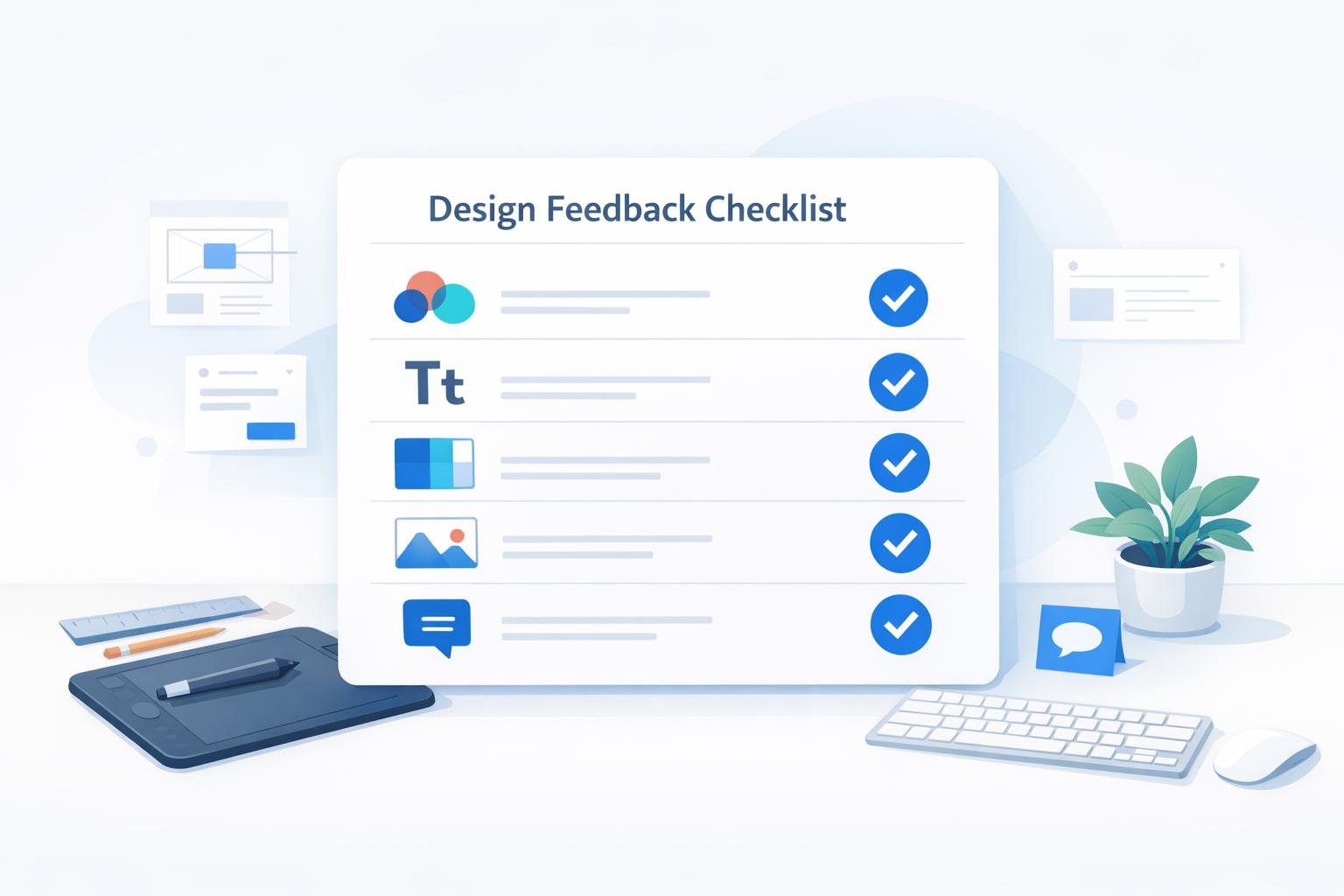
Design Feedback Checklist
Master Design Reviews with a Design Feedback Checklist
If you’ve ever struggled to give or receive clear feedback on a design project, you’re not alone. Design evaluation can feel subjective and messy without a proper structure. That’s where a well-crafted design review checklist comes in handy. It transforms vague opinions into focused, actionable insights by breaking down key elements like color schemes, typography choices, and layout balance.
Why Structured Feedback Matters
Good design isn’t just about aesthetics—it’s about communication and purpose. A systematic approach ensures nothing slips through the cracks, whether you’re checking visual hierarchy or brand alignment. For designers, this kind of tool offers a way to step back and see their work through fresh eyes. For clients, it provides a framework to articulate thoughts without needing to know all the technical jargon. The result? Smoother collaboration and better outcomes.
Elevate Every Project
Using a tool to assess visual design doesn’t just save time; it builds trust between teams. You’ll spot strengths instantly and identify areas for improvement before they become bigger issues. So next time you’re reviewing a project, don’t wing it—grab a structured guide and make feedback a powerful part of your process.
FAQs
Who can use this Design Feedback Checklist?
Honestly, anyone involved in a design project! Designers can use it to self-assess their work before presenting to clients. Clients or stakeholders can rely on it to provide structured, helpful feedback without needing deep design expertise. Even project managers or marketers can jump in to ensure the design aligns with brand goals. It’s built to be intuitive for all.
Does this checklist cover all design types?
Pretty much! We’ve designed it to be broad enough for web, graphic, UI/UX, and even print projects. The checklist focuses on universal principles like layout balance, color harmony, and brand consistency, which apply across mediums. That said, if you’re working on something super niche, you might want to add a few custom points specific to your project. It’s flexible enough to adapt.
Can I save or share my completed checklist?
Yep, once you’ve gone through the checklist and marked everything off, you’ll get a neat summary you can save as a PDF or share directly with your team. It’s perfect for keeping everyone on the same page, whether you’re emailing it to a client or attaching it to a project update. Collaboration made simple!