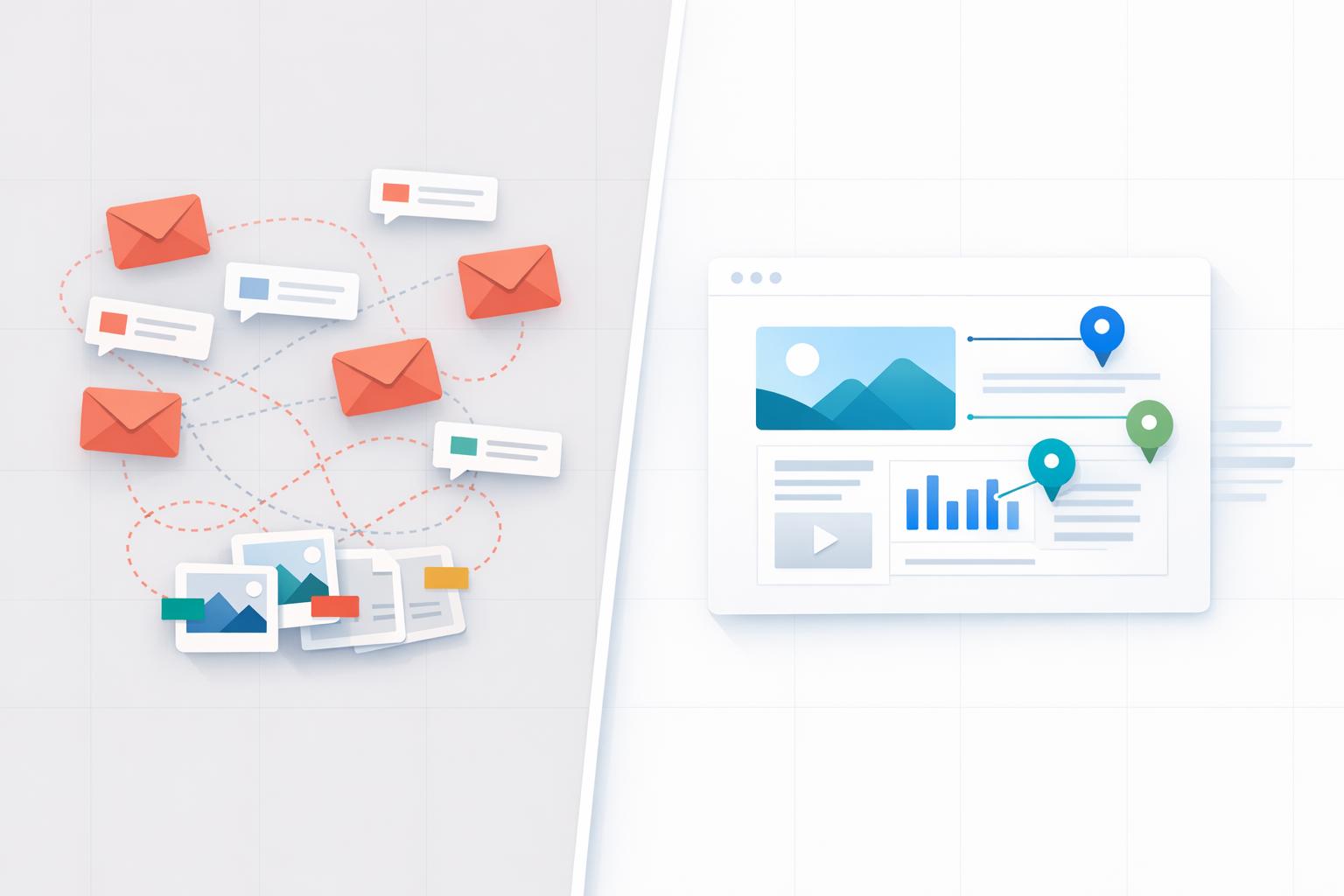
Why Email Feedback Slows Projects Down
Email feedback is holding your projects back. It creates confusion, wastes time, and leads to unnecessary revisions. Here’s why:
- Scattered feedback: Comments come through multiple email threads, making it hard to track tasks.
- Version confusion: Designers often work on outdated files due to unclear versioning.
- Vague instructions: Phrases like “make it pop” lack context, leading to guesswork and delays.
- Slow response times: Email feedback typically takes days, not minutes.
The solution? Contextual comments. Tools like BoastImage allow clients to leave precise feedback directly on designs, reducing design revision cycles and improving communication. With features like centralized task tracking, version control, and no login requirements for clients, these tools make collaboration faster and easier.
Email is great for communication - but not for managing creative feedback. It’s time to simplify the process and keep projects on track.
How to Collect Website Feedback with Bugherd (Fast Client Review Workflow)
sbb-itb-32f6eb2
How Email Feedback Creates Project Bottlenecks
Email simply isn't designed for managing creative projects. When feedback lands in your inbox, it often forces your team to sift through scattered messages instead of focusing on implementing changes. The problem isn’t just that email is slow - it’s that it makes finding the right information unnecessarily difficult. Let’s break down how scattered threads, poor progress tracking, and disconnected visuals create these bottlenecks.
Scattered Threads and Missing Tasks
When feedback is spread across multiple email threads, it’s like trying to solve a puzzle with missing pieces. One client might comment on the homepage in one thread, another might discuss the logo in a separate chain, and yet another might start a new email about color schemes. This scattered communication leaves your team scrambling to piece together action items, often leading to follow-up emails just to clarify what’s pending. Without a centralized system to track tasks, keeping up with what’s done, what’s still in progress, and what’s holding things up becomes a frustrating challenge.
No Way to Track Progress
Email doesn’t offer a clear way to monitor project status. It’s nearly impossible to quickly see which revisions have been approved, which are waiting for feedback, or even which version of a file is the most current. You’re often left with confusing file names like "v3_final_FINAL.pdf", which only add to the uncertainty. This lack of clarity can delay what should be a straightforward approval process, turning it into a drawn-out back-and-forth. Comparing design feedback tools that integrate visual progress tracking can dramatically simplify workflows, eliminating these unnecessary delays.
Feedback Disconnected from Visuals
One of the biggest challenges with email feedback is its separation from the actual designs. When a client’s email says, "move that thing over there", the designer is left guessing which element needs to be adjusted and where it should go. Vague phrases like "make it pop" or "it doesn’t feel right" are equally unhelpful without a visual reference to provide context. This forces teams to constantly switch between their inbox and design software, increasing the likelihood of miscommunication and errors. By the time the confusion is sorted out, multiple rounds of revisions may have already piled up, making the process more expensive and time-consuming than necessary. Contextual feedback tools that tie comments directly to the design can eliminate this guesswork and streamline the revision process.
Why Clients Struggle with Email Feedback
Email feedback often leaves clients struggling to communicate effectively because it doesn’t allow them to directly address specific elements. Without a way to pinpoint what they mean, they’re left describing changes in general terms - leading to confusion and revisions that miss the mark. Let’s dive into how vague comments and delays in email communication create roadblocks for actionable feedback.
Unclear and General Comments
When clients can’t attach their feedback to specific parts of a design, their comments tend to be broad and lacking in detail. This isn’t about being uncooperative - it’s simply a byproduct of trying to describe subjective ideas without visual context.
The problem is often compounded when clients soften their critiques with praise. While well-intentioned, this approach makes it harder to identify the actual changes they’re requesting. Add in multiple file versions and unclear communication, and you’ve got a recipe for extended revision cycles.
These unclear comments don’t just slow things down - they create inefficiencies that ripple through the entire project. And when you add slow response times into the mix, things get even more complicated.
Slow Response Times
Even when clients know what they want to say, the process of giving feedback through email can be a headache. It often requires downloading attachments, switching between tools, and drafting lengthy emails. On average, it takes about 3 days to get feedback via email, compared to just minutes when using visual feedback tools. The delay isn’t always due to packed schedules - sometimes, clients simply avoid the hassle of the email process.
When feedback does arrive, it’s often scattered across multiple email threads, making it difficult to piece together coherent input. Contradictory opinions within these threads only add to the confusion. It’s no wonder that 78% of agencies cite client communication as their biggest challenge.
These inefficiencies - vague feedback and delayed responses - can drag out timelines unnecessarily. Using a centralized, visual feedback tool can solve these issues by enabling clients to leave direct, contextual comments on the work itself, cutting through the noise and keeping projects on track.
BoastImage: Visual Feedback Without Email Chaos
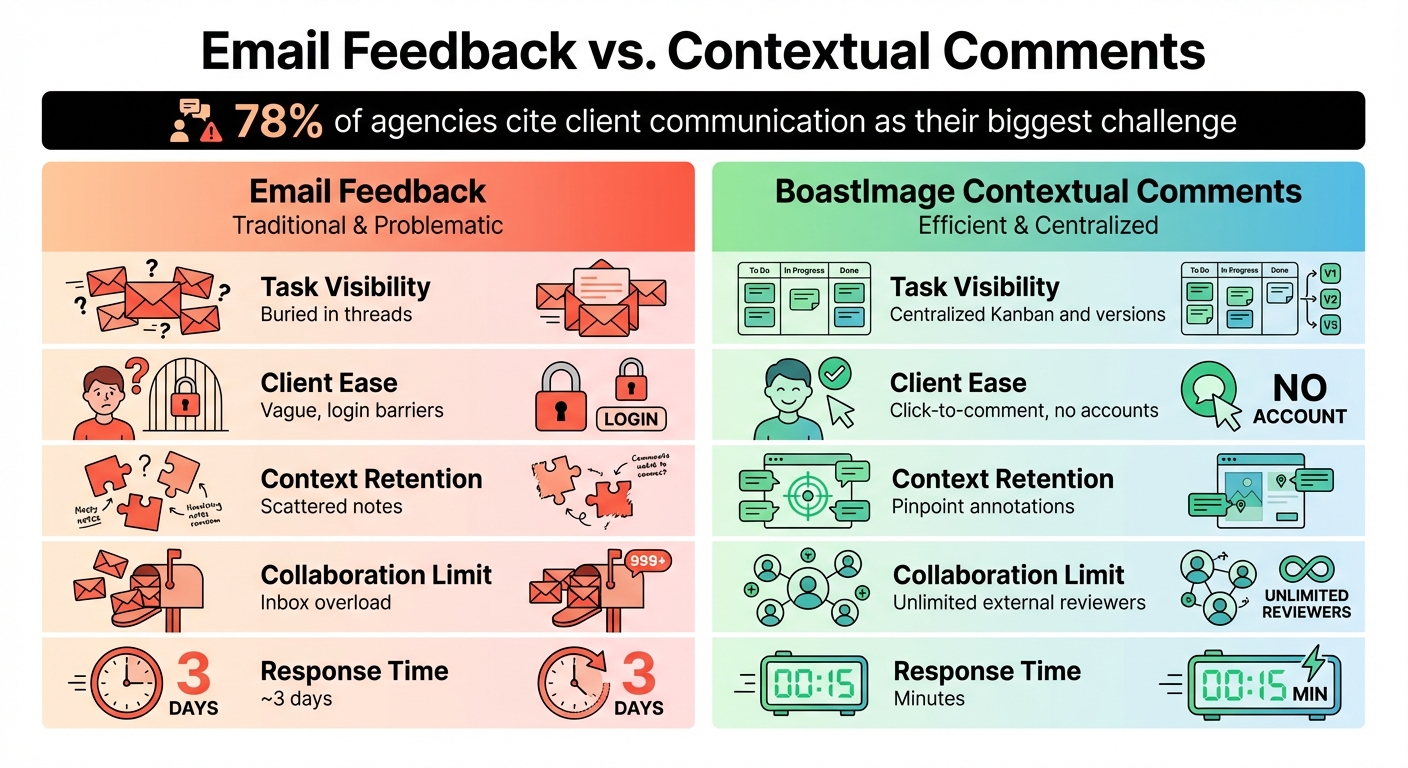
Email Feedback vs Contextual Comments Comparison
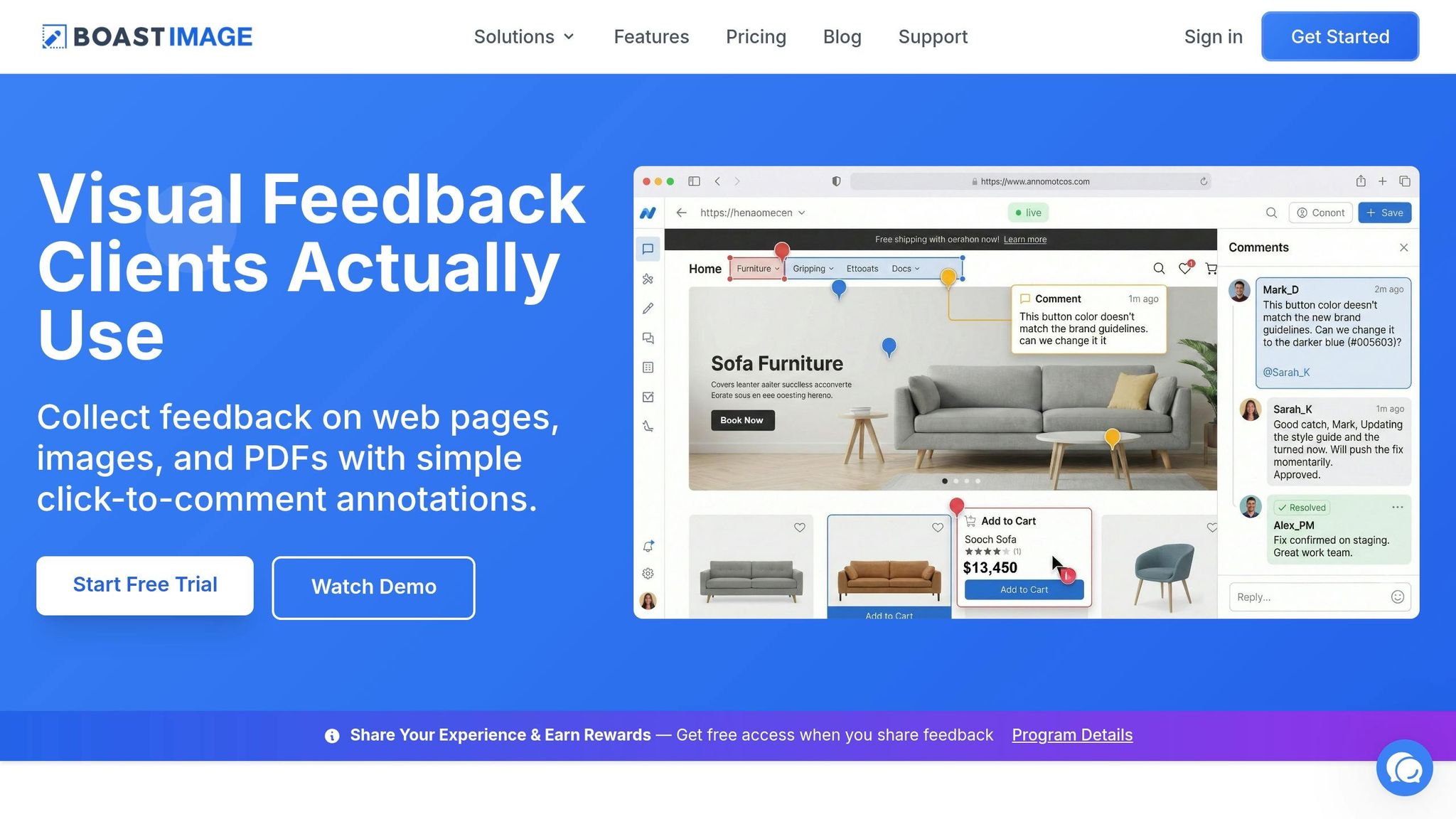
BoastImage eliminates the headaches of email-based feedback by streamlining how clients review and comment on creative work. Instead of juggling emails, clients can provide feedback directly on designs through a simple link - no downloads, logins, or training required.
No Login Required for Clients
BoastImage makes it incredibly easy for clients to share their thoughts. You send them a link, and they can immediately view the design and leave feedback. There’s no need to create an account or navigate complicated menus. Clients can use annotations, shapes, or even emojis to pinpoint specific areas on web pages, images, or PDFs.
This effortless, one-link process is especially helpful for non-technical users, who can adopt the tool right away. The results are striking: while email feedback often takes around three days to arrive, BoastImage users typically see responses in just minutes.
All Feedback and Tasks in One Place
Clients get a simple interface, while your team gains powerful project management tools. Every piece of client feedback automatically flows into a centralized Kanban board, where you can assign tasks, set deadlines, and track progress. Built-in version control helps you compare iterations quickly, and threaded discussions keep comments tied to specific design elements.
This system eliminates the chaos of scattered emails. Whether you’re managing feedback on web pages, images, or PDFs, everything stays organized in one dashboard - visible only to your team.
Unlimited Client Reviewers on All Paid Plans
BoastImage’s pricing structure is designed to encourage collaboration without limits. All paid plans - Solo at $9.95/month, Team at $19.95/month, and Business at $39.95/month - include unlimited external collaborators. This means clients and stakeholders can freely participate without affecting your budget or user slots.
By allowing multiple reviewers to provide feedback simultaneously, BoastImage prevents delays caused by sequential input. Everyone can weigh in during the early stages of a project, with their comments pinned directly to the design, ensuring nothing gets overlooked.
Email Feedback vs. Contextual Comments
| Aspect | Email Feedback | BoastImage Contextual Comments |
|---|---|---|
| Task Visibility | Buried in threads | Centralized Kanban and versions |
| Client Ease | Vague, login barriers | Click-to-comment, no accounts |
| Context Retention | Scattered notes | Pinpoint annotations |
| Collaboration Limit | Inbox overload | Unlimited external reviewers |
This comparison highlights why contextual comments are a game-changer for project feedback. With 78% of agencies citing client communication as their biggest challenge, removing barriers to feedback isn’t just helpful - it’s essential for keeping projects on track.
Conclusion
Email feedback often bogs down creative projects with unclear communication and slow replies, leaving teams guessing. Agencies report that 78% of them face client communication as their biggest hurdle. The real issue isn’t your team’s productivity - it’s getting clients to provide actionable feedback.
That’s where contextual comments make all the difference. BoastImage focuses on making feedback simple for clients. They can comment directly on work using just a link - no need for accounts or training. Meanwhile, your team benefits from organized tools like Kanban boards, version control, and task tracking behind the scenes.
The results speak for themselves. While email feedback averages around three days, BoastImage cuts response times down to minutes. Plus, unlimited external collaborators can join for as little as $9.95/month. Instead of waiting for feedback to trickle in sequentially, multiple stakeholders can review simultaneously, saving time and keeping budgets on track. This shift from scattered email threads to clear, visual feedback transforms the way teams work.
When feedback happens right on the work itself, everything moves faster - projects stay on track, revisions become clearer, and clients actually engage. It’s time to leave behind the chaos of email and embrace a better way to collaborate.
FAQs
When should we stop using email for feedback?
Stop relying on email for feedback if it's bogging down your project with delays, unclear comments, or scattered communication. Email often creates bottlenecks - vague feedback, slow response times, and messy tracking can derail progress fast. Instead, consider using structured, visual feedback tools. These tools can simplify your workflow, ensure feedback is clear and organized, and help keep your project moving forward with actionable insights.
How do contextual comments reduce revisions?
Contextual comments make the revision process smoother by allowing clients to give targeted feedback directly on the design. This eliminates guesswork and vague requests, ensuring feedback is clear and actionable. The result? Fewer misunderstandings and a more efficient workflow.
How do I get clients to leave feedback quickly?
Simplify the feedback process by removing unnecessary hurdles. Tools like BoastImage let clients comment directly on designs without needing to log in or go through onboarding. Start by setting clear expectations upfront - this prevents vague feedback and minimizes endless revisions. Keeping all feedback centralized on one platform reduces confusion, making it easier for clients to understand what’s required and respond promptly. Using easy-to-navigate tools and clear guidelines ensures faster, more accurate feedback from clients.