How to Automate Your Desktop: 10 Tools for Freelancers
The way we work has drastically evolved, and in today’s fast-paced world, staying productive isn’t just a goal - it’s a necessity. If you’ve ever felt like your to-do list keeps growing no matter how hard you work, the problem might not be your work ethic. It could be your tools.
In 2026, leveraging the right productivity tools can mean the difference between burnout and balance. Whether you’re a freelancer juggling multiple clients, a creative agency managing visual deliverables, or an in-house marketing team aiming to streamline feedback, the right toolkit can help you consolidate chaos into clarity. This article breaks down 10 transformative tools that will supercharge your productivity, optimize workflows, and leave you with more time to focus on what truly matters.
Why the Right Tools Matter
Before diving into the tools, let’s set the stage. Productivity isn’t just about doing more work - it’s about achieving impactful results efficiently. For freelancers and teams who deal with complex projects and scattered feedback, tools that simplify processes while enhancing communication are non-negotiable. The ideal tools are intuitive for both technical users and clients, reduce revision cycles, and provide a professional, seamless experience.
Now, let’s explore the tools that can redefine your workflow in 2026.
sbb-itb-32f6eb2
Tool #1: Notebook LM – Your AI-Powered Workspace
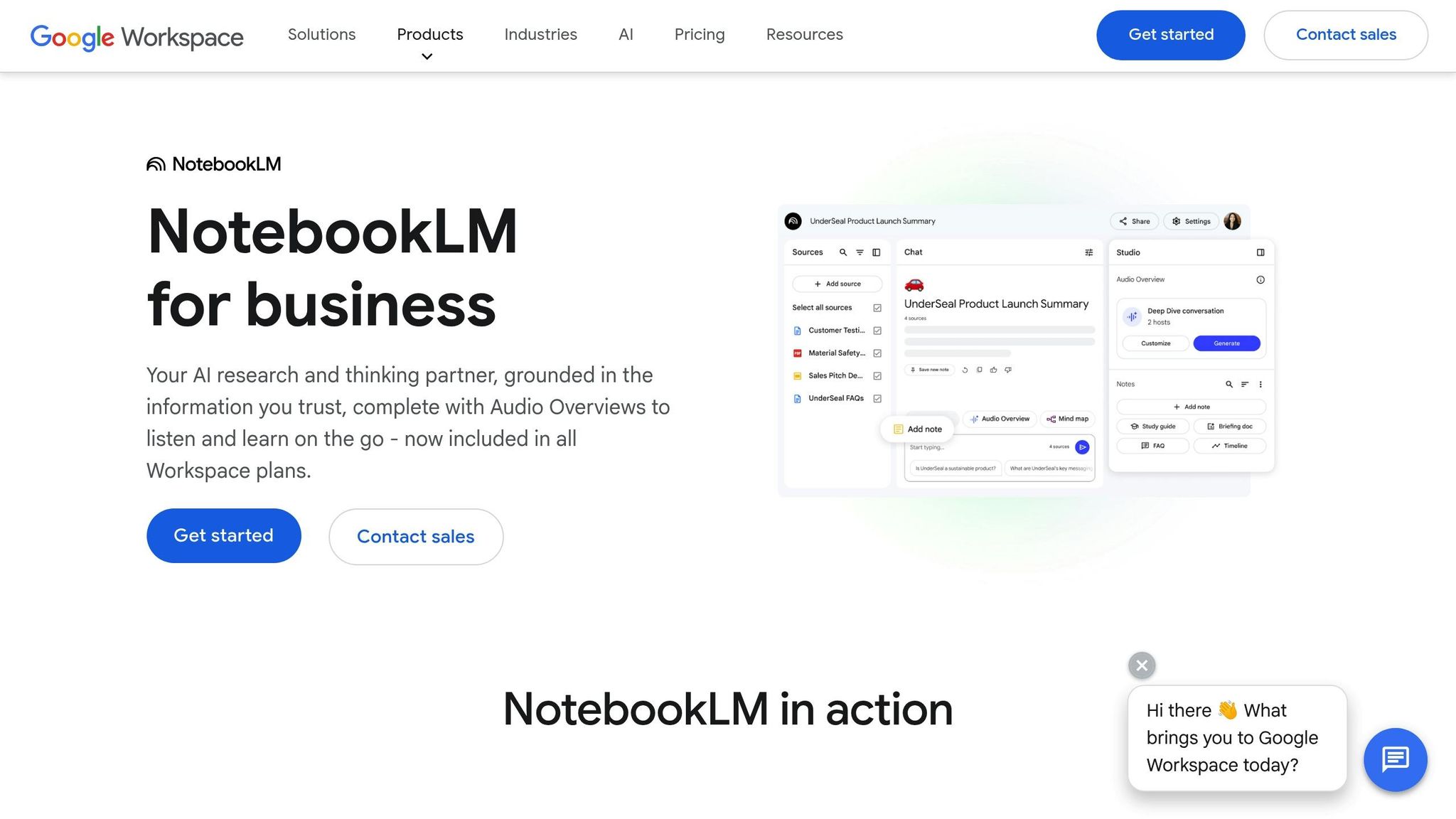
Meet Notebook LM, a game-changer in intelligent document and multimedia management. This tool allows users to upload diverse content - like YouTube videos, PDFs, and Google Drive files - and transform it into actionable insights via AI-generated summaries, mind maps, audio overviews, and more.
Key Features:
- AI-driven chat functionality for custom questions and answers
- Generates infographics, reports, podcasts, and strategy guides from uploaded content
- Seamless export options to tools like Google Sheets
How It Helps You: Notebook LM excels at turning scattered resources into organized deliverables. Whether you’re brainstorming a marketing strategy or pulling insights from lengthy videos, this tool streamlines the process with stunning efficiency.
Tool #2: Snagit by TechSmith – Visual Communication Simplified
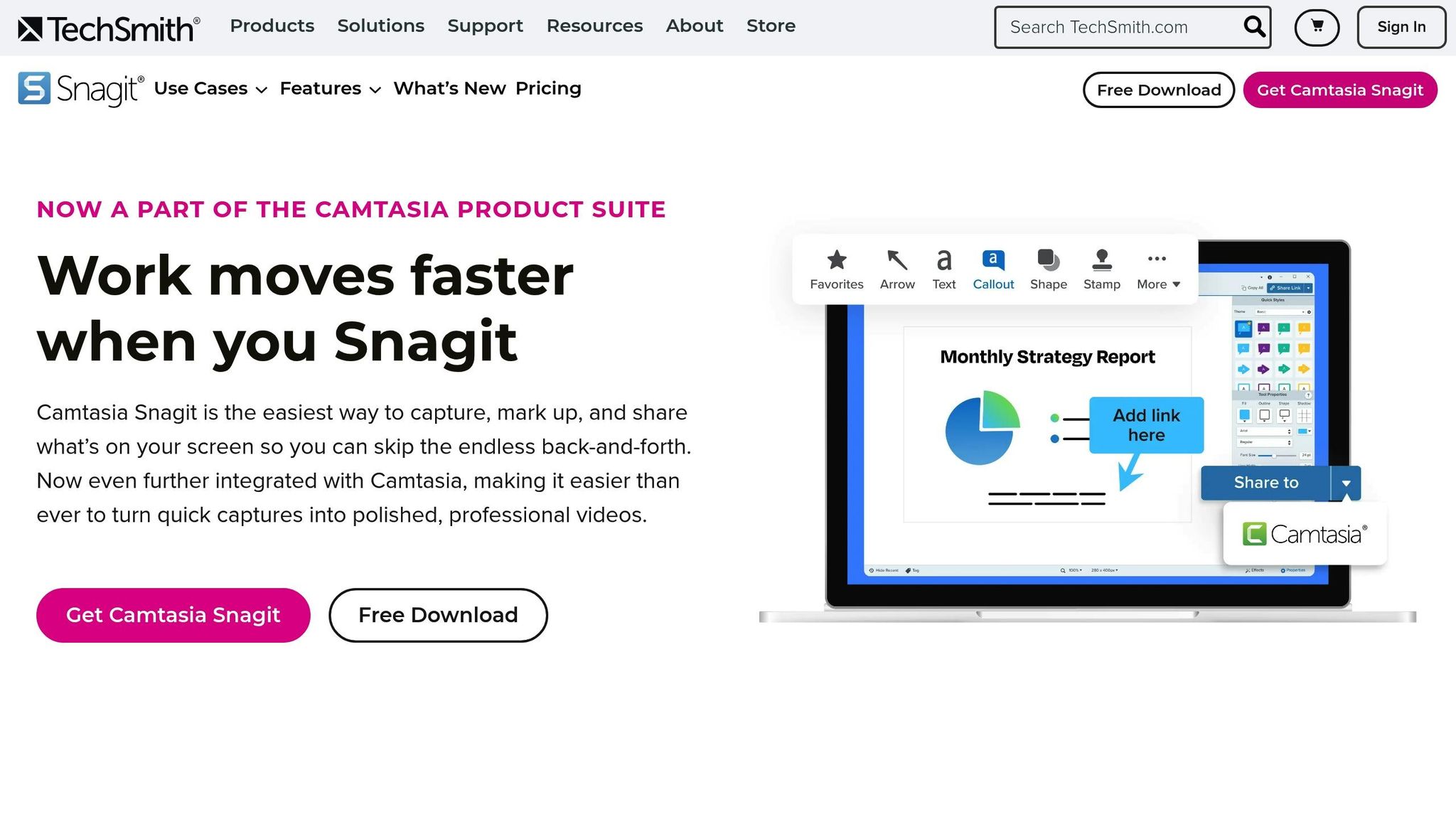
For freelancers and teams constantly sharing screenshots and visual feedback, Snagit is a must-have. It’s a versatile tool that allows you to capture, edit, and annotate screenshots or short videos.
Key Features:
- One-click screen captures
- Annotation tools like highlights, callouts, and text
- Easy sharing with clients and team members
How It Helps You: Whether you’re providing visual feedback on designs or creating tutorial snippets for clients, Snagit ensures clarity and reduces back-and-forth communication.
Tool #3: ChatGPT – Your AI Assistant for Ideas and Execution
As one of the most revolutionary AI tools of our generation, ChatGPT has come a long way. Now equipped with image creation, personalized responses, and scheduling capabilities, it’s a versatile assistant for brainstorming, content creation, and even automating repetitive tasks.
Key Features:
- Customizable tone and response styles
- Image generation alongside text-based outputs
- Integration with scheduling and task management
How It Helps You: From crafting client-ready proposals to generating creative ideas, ChatGPT empowers teams to focus on creativity while delegating routine tasks to AI.
Tool #4: AI Tool Pack – Automation for Coding and Data Management
Developed specifically for efficiency, the AI Tool Pack is designed for professionals who frequently work with data, code, or Excel.
Key Features:
- Automates code fixes and debugging
- Generates custom datasets and "fake data" for testing
- Optimizes Excel workflows with one-click insights
How It Helps You: This tool is perfect for technical professionals or marketers who need quick, reliable solutions for data-driven projects. It eliminates bottlenecks and accelerates technical tasks.
Tool #5: ClickUp – The Ultimate Project Management Hub
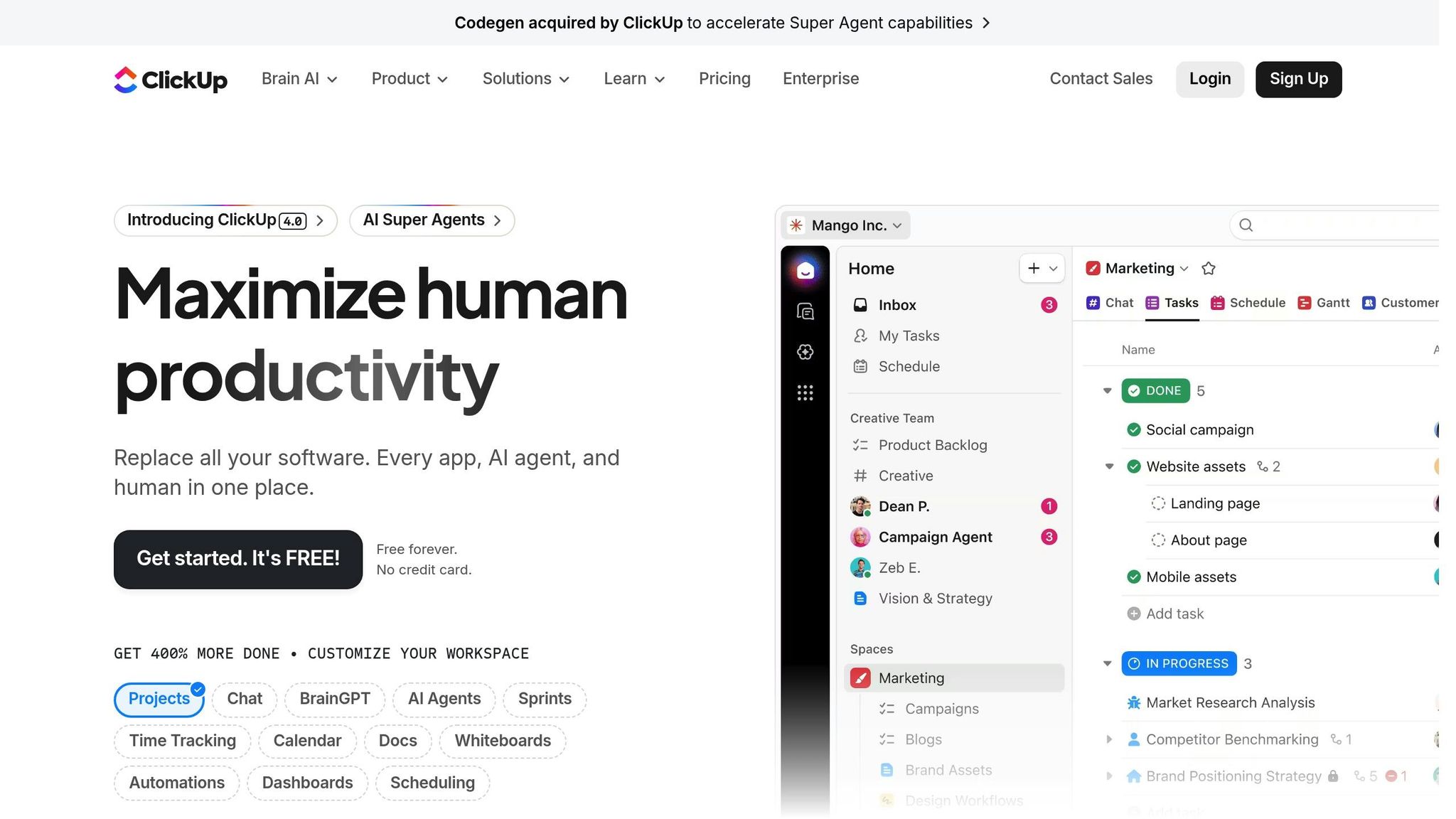
ClickUp is the Swiss Army knife of project management tools. With features that include task tracking, team chats, whiteboards, and dashboards, it provides an all-in-one solution for staying on top of complex projects.
Key Features:
- Robust task assignment and time tracking
- Customizable dashboards and whiteboards
- Integrated screen recording and document creation
How It Helps You: ClickUp’s versatility makes it ideal for teams managing multiple projects. Its intuitive interface ensures external collaborators and clients can stay engaged without needing tutorials.
Tool #6: Anvir Task Manager – Gain Control Over Your System
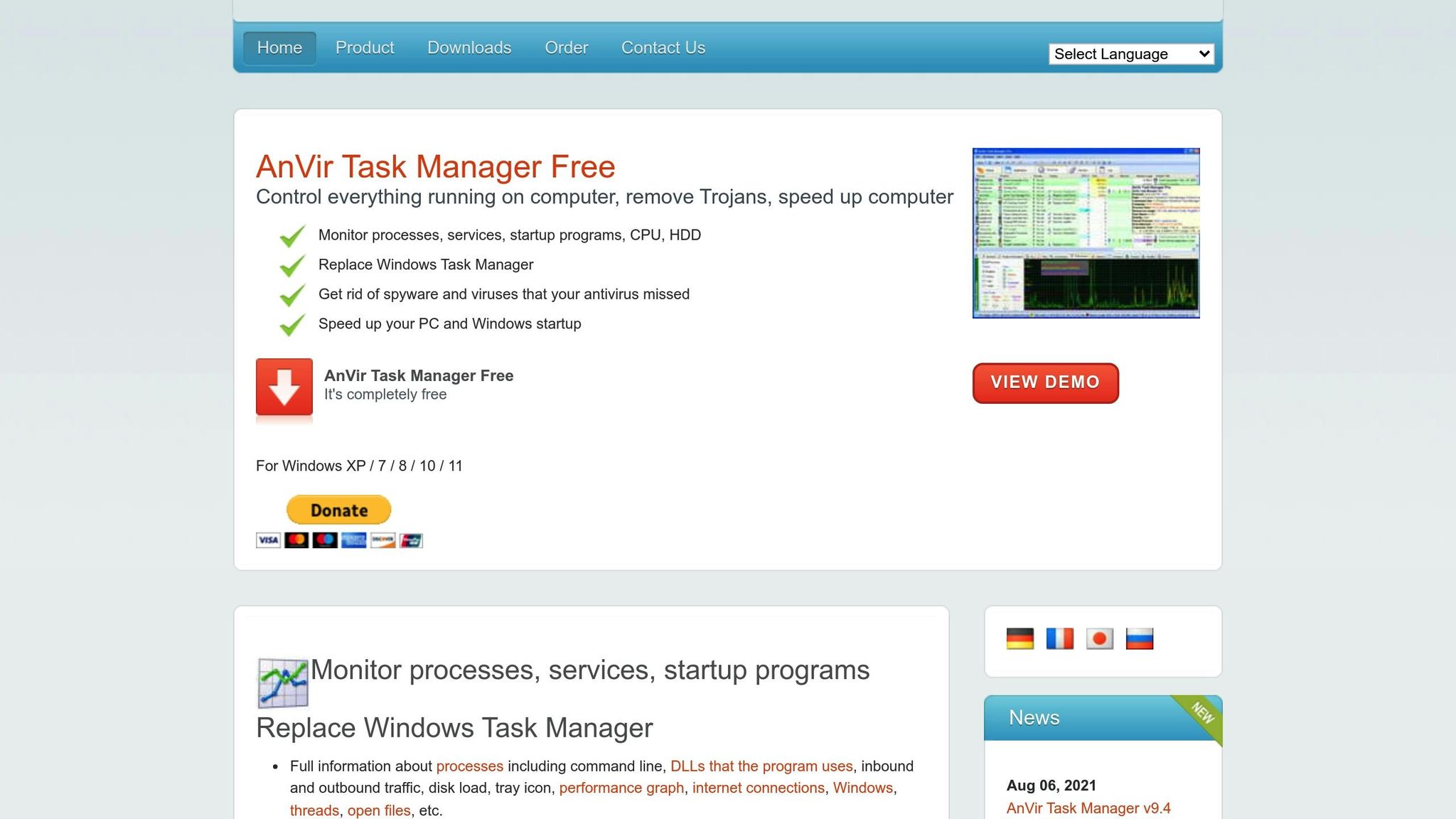
For those on PCs, Anvir Task Manager offers unparalleled control over your system’s processes. It’s more than a simple task manager - it’s a powerhouse for troubleshooting and optimizing your computer’s performance.
Key Features:
- Monitor memory usage and running processes
- Identify and disable unnecessary startup programs
- Diagnose system slowdowns
How It Helps You: Avoid downtime and inefficiencies by keeping your system running at peak performance.
Tool #7: Everything Search – Find Any File in Seconds
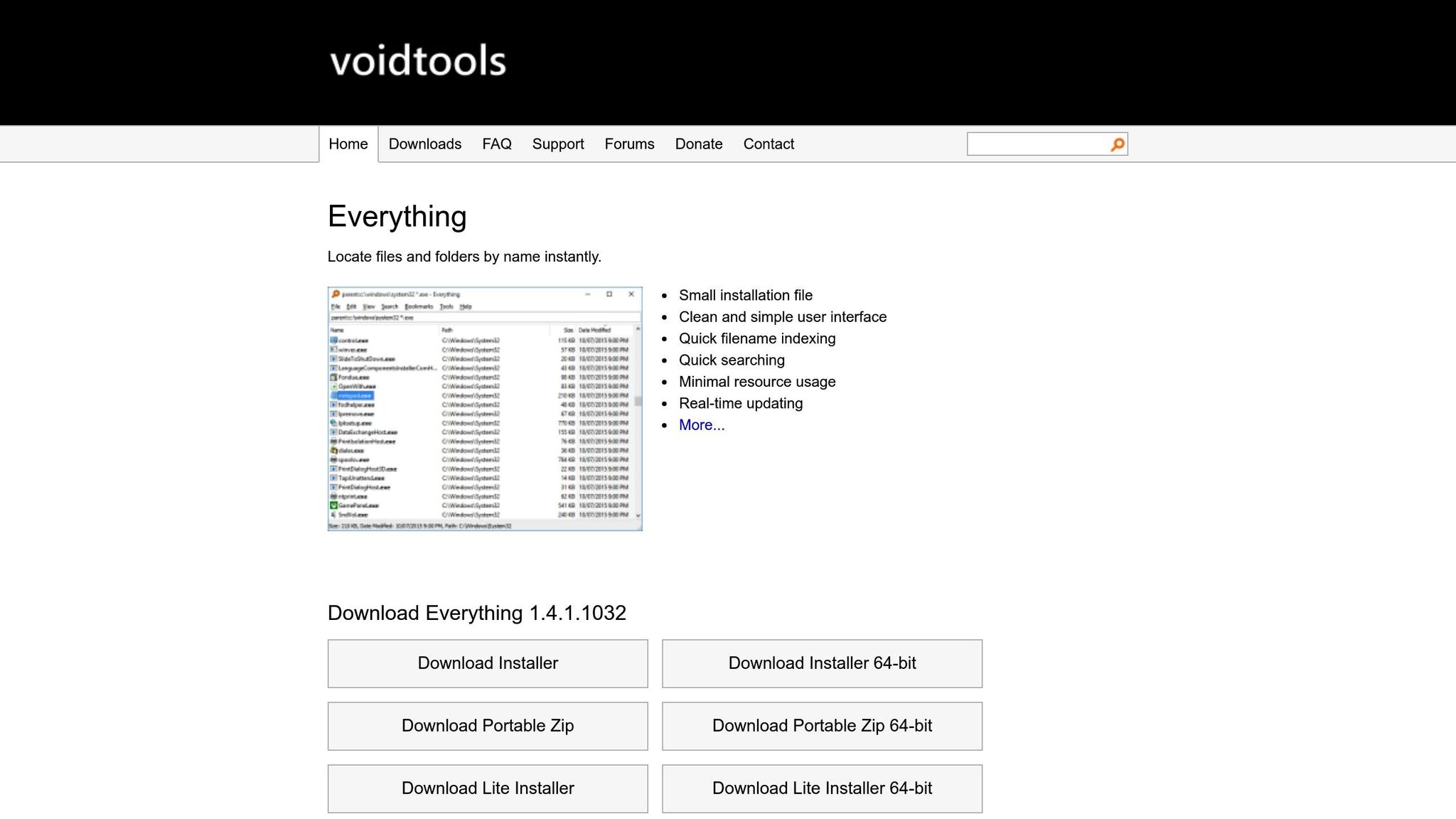
Say goodbye to wasted time searching for files on your computer. Everything Search is a lightning-fast desktop search tool that can locate any file by name or type.
Key Features:
- Instantaneous file indexing
- Advanced filtering options for file types
How It Helps You: Whether you’re pulling up old client agreements or searching for a design file, Everything Search ensures you don’t skip a beat.
Tool #8: Dropbox – File Sharing Made Effortless
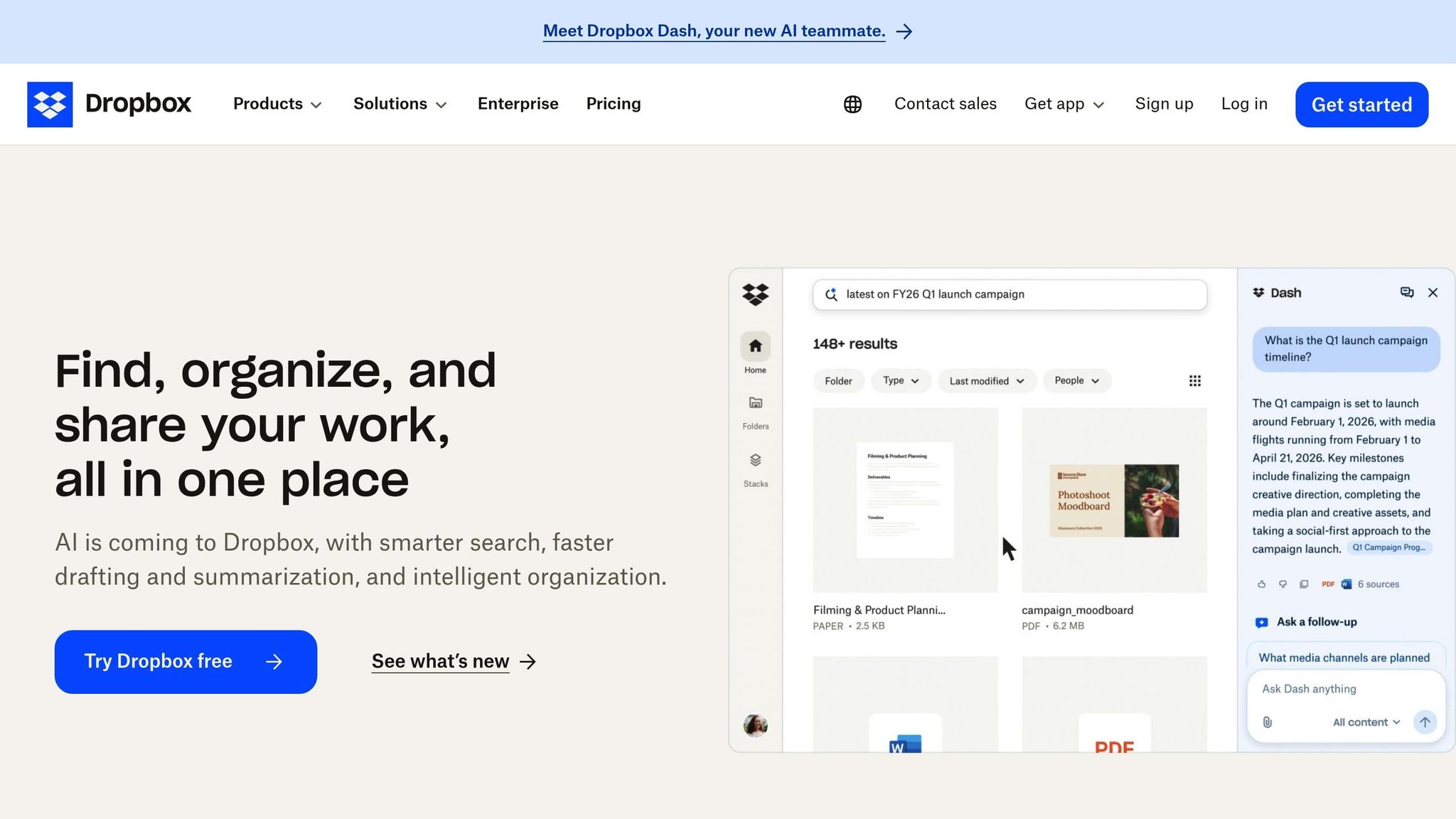
A veteran in cloud storage, Dropbox continues to be a reliable solution for file organization and sharing.
Key Features:
- Automatic file backups
- Options for online-only file storage to save local space
- Easy sharing via links
How It Helps You: Dropbox’s simplicity and reliability make it perfect for teams sharing large files or needing secure storage.
Tool #9: AutoHotkey – Automate Your Desktop

AutoHotkey is an open-source scripting tool that automates repetitive tasks, from typing shortcuts to launching applications.
Key Features:
- Create custom text shortcuts
- Automate mouse clicks and keystrokes
- Lightweight and highly customizable
How It Helps You: Streamline repetitive tasks like typing standard email responses or organizing files with this powerful automation tool.
Tool #10: Microsoft Office Suite – The Classics Still Deliver
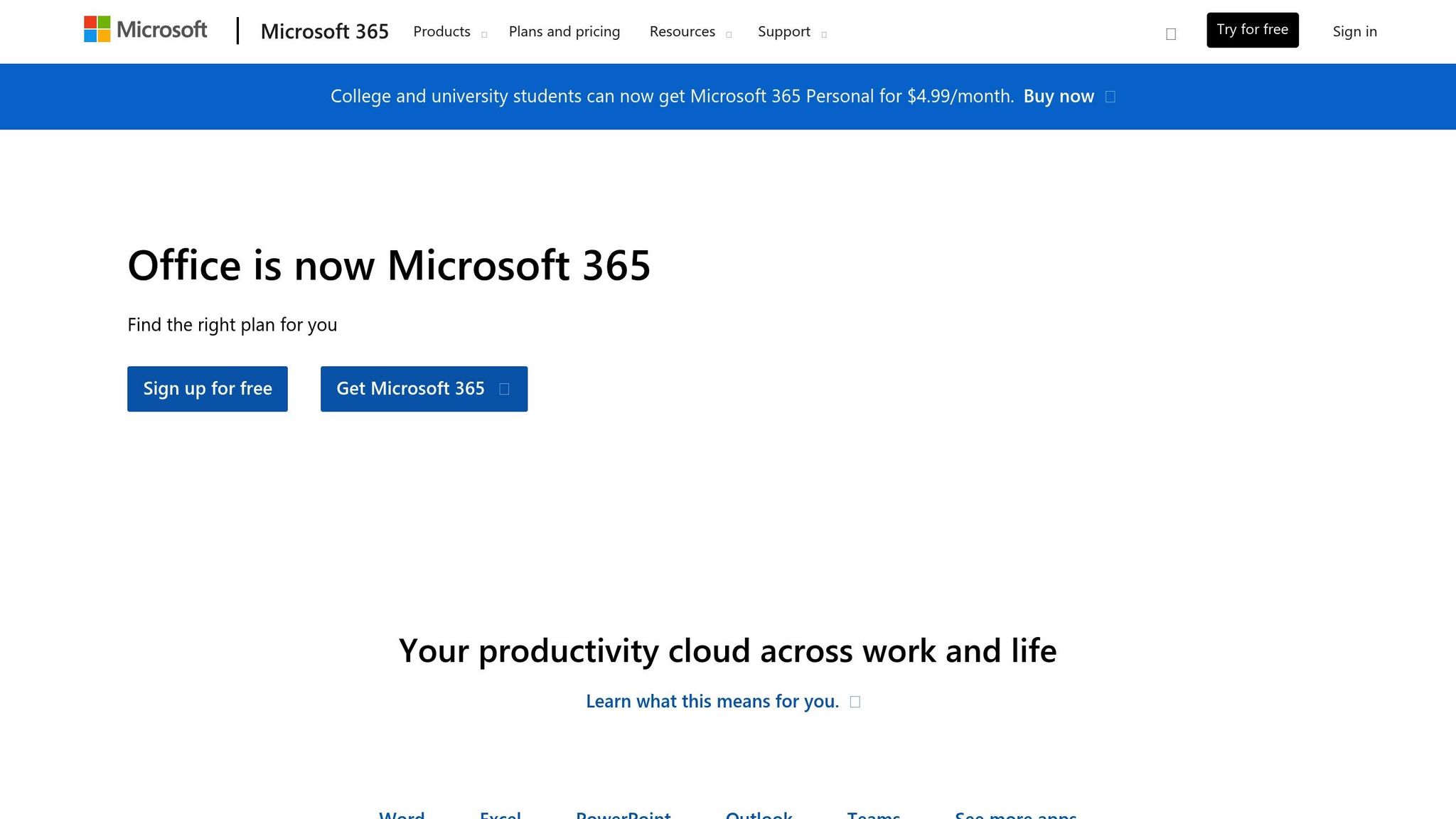
The Microsoft Office Suite - including Excel, Outlook, and OneNote - remains a cornerstone for professionals.
Key Features:
- Excel for data tracking and analysis
- Outlook for streamlined communication
- OneNote for personal and professional organization
How It Helps You: Familiar, reliable, and feature-rich, Microsoft Office is a trusted companion for day-to-day productivity.
Honorable Mentions
While the top 10 tools are game-changers, a few honorable mentions deserve recognition:
- Perplexity: An AI-driven research assistant
- 7zip: A lightweight file compression tool
- Opera Browser: A browser with built-in VPN and AI capabilities
- Notepad++: A robust text editor for developers
These tools, while not part of the core list, can still provide value depending on your needs.
Key Takeaways
Here are some actionable takeaways from this guide:
- Leverage Notebook LM to turn multimedia content into actionable insights, saving time on research and strategy.
- Use Snagit for visual communication, ensuring clear feedback and collaboration.
- Automate repetitive tasks with AutoHotkey and ChatGPT to free up your time for creative work.
- Streamline project management with ClickUp, making collaboration seamless for teams and clients.
- Optimize your workflow with tools like Anvir Task Manager and Everything Search, keeping your system and files in check.
- Stay organized by incorporating Microsoft Office tools like OneNote for personal productivity and Excel for data management.
By integrating even a few of these tools into your workflow, you can reduce friction, improve clarity, and achieve faster project turnarounds.
Final Thoughts
In 2026, the key to success lies not in working harder, but in working smarter. By embracing these transformative tools, you’ll not only optimize your daily operations but also unlock new levels of efficiency and creativity. Explore these tools, experiment with integrations, and share knowledge with your team - they’re all stepping stones to a more productive future.
What tools are you excited to try? Let this be the year you take control of your productivity and redefine what’s possible in your workday.
Source: "How I Automated My Entire Desktop for 2026 (Top 10 Tools)" - Excel For Freelancers, YouTube, Jan 10, 2026 - https://www.youtube.com/watch?v=mFfHr71dh4w